

Mine have always been a bit functional, and I’m curious what more creative people have achieved.
Anyone fancy showing off what they’ve put together? Feel free to blank out personal information, obviously.
And on another note, I’m now moderating this sub. Hi!
Let me know if there is anything you’d like to see added to the sidebar, I’m aiming to update it over the next few days.
You must log in or # to comment.
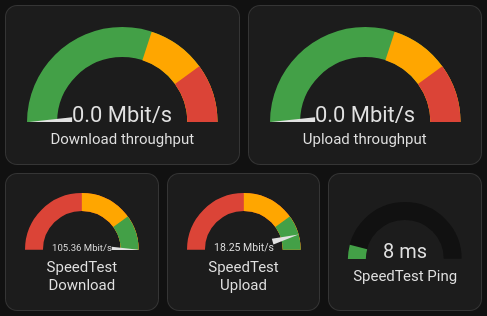
My “What’s the internet connection up to?” card:
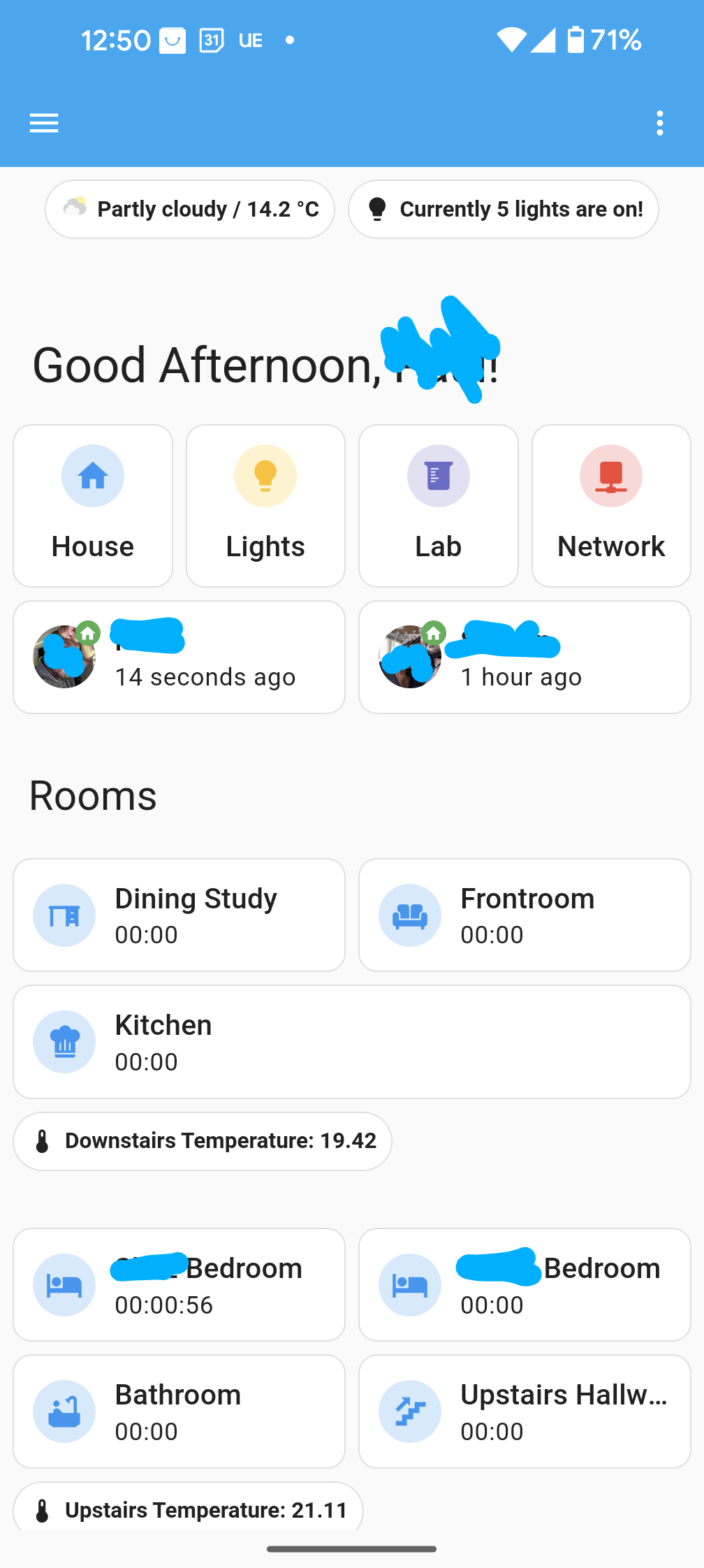
My “Leaving the house” card:

It’s nice to compare the local predicted temperature, and local sensor.What did you use to get the information for the current internet throughput?
It’s pulled from my main router using it’s metric for it. It only updates once a minute or so, but it’s a nice metric.
Once I switch over to more powerful gear, I’ll probably have to start using SNMP, which I don’t look forward to!
Drive time to work is a great idea!
Currently, it’s using a Waze integration.
The coolest thing, is that it’s given me a really nice data set for when are the bad times to drive across town are. (Sadly, it’s during the morning and afternoon school runs).
It also reveals that the travel time on average is impacted significantly by the school holidays, and the weather.
I have this

I have this one on a wall mounted tablet.
- Left column:
- time and date
- solar battery level
- car battery level
- solar production vs. load
- camera of the entrance
- Middle column:
- current weather as measured by my weather station
- forcast for today
- list of open windows and doors
- (not shown) any emergency warnings (storms, etc)
- scheduled garbage collection for the different recycling types
- Right column
- warm water boiler control (override for the automation which turns it on only in the morning)
- current temperature in the boiler
- turn on/off the car charger (until I come around to automate it)
- List of devices that need their battery replaced
- rain radar
These are the most important values to be shown in the hallway. There are other dashboards for other situations…
I like the low battery panel. I might copy that. I have a general overview over all batteries, but it didn’t occur to me that I could filter the values and show only the ones needing replacement.
- Left column:
Still want to add a few bits of info to it, but I’m pretty happy with the dashboard for my kitchen display that sits on top of the fridge where I can see it from the living room as well:
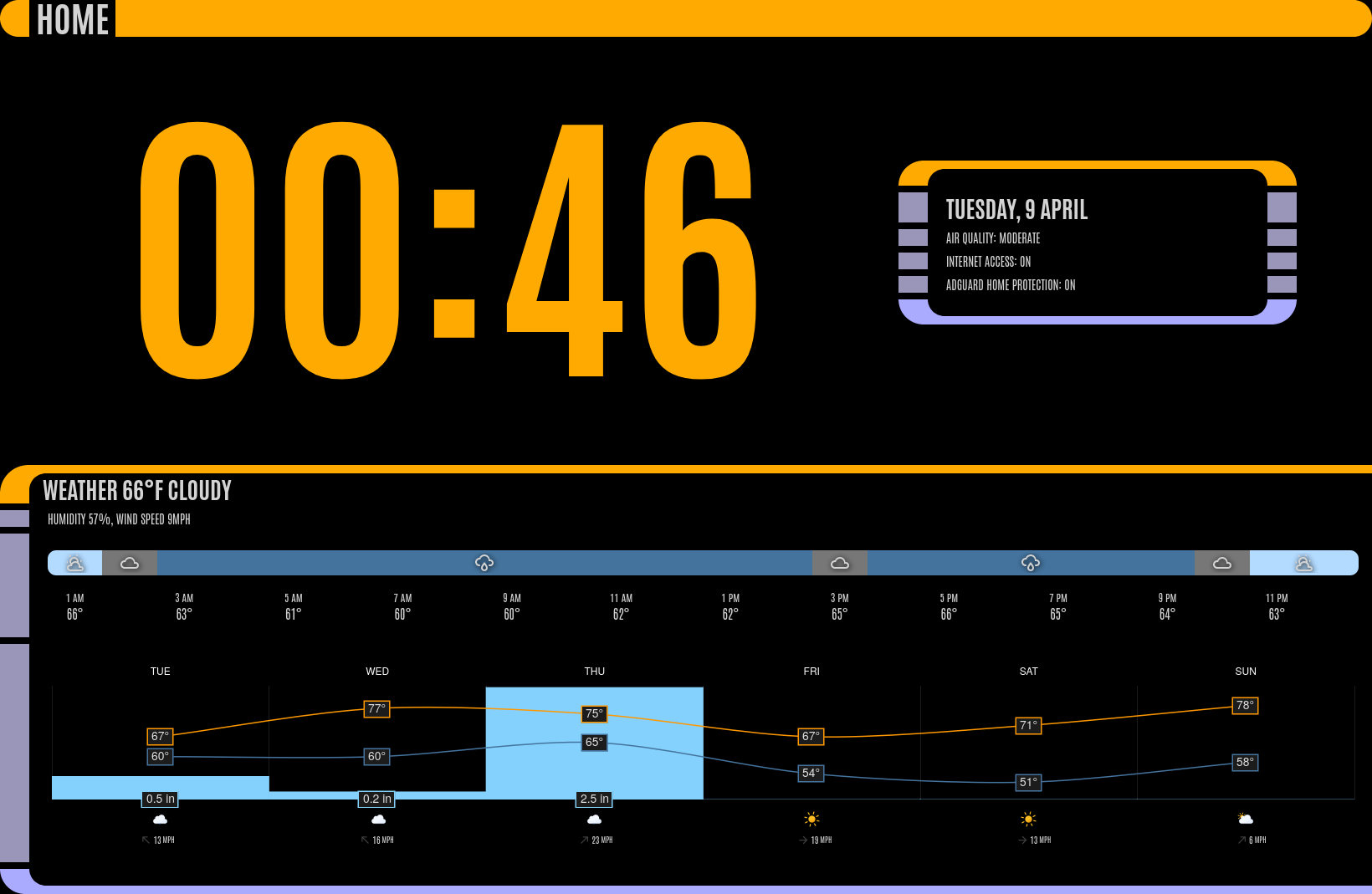
Uses the excellent LCARS theme by th3jesta via HACS.
Almost everything shown is just standard markdown cards, with minor tweaks by card-mod, with the exception of the 2 weather widgets shown (also via HACS):
Mine’s mobile-friendly:
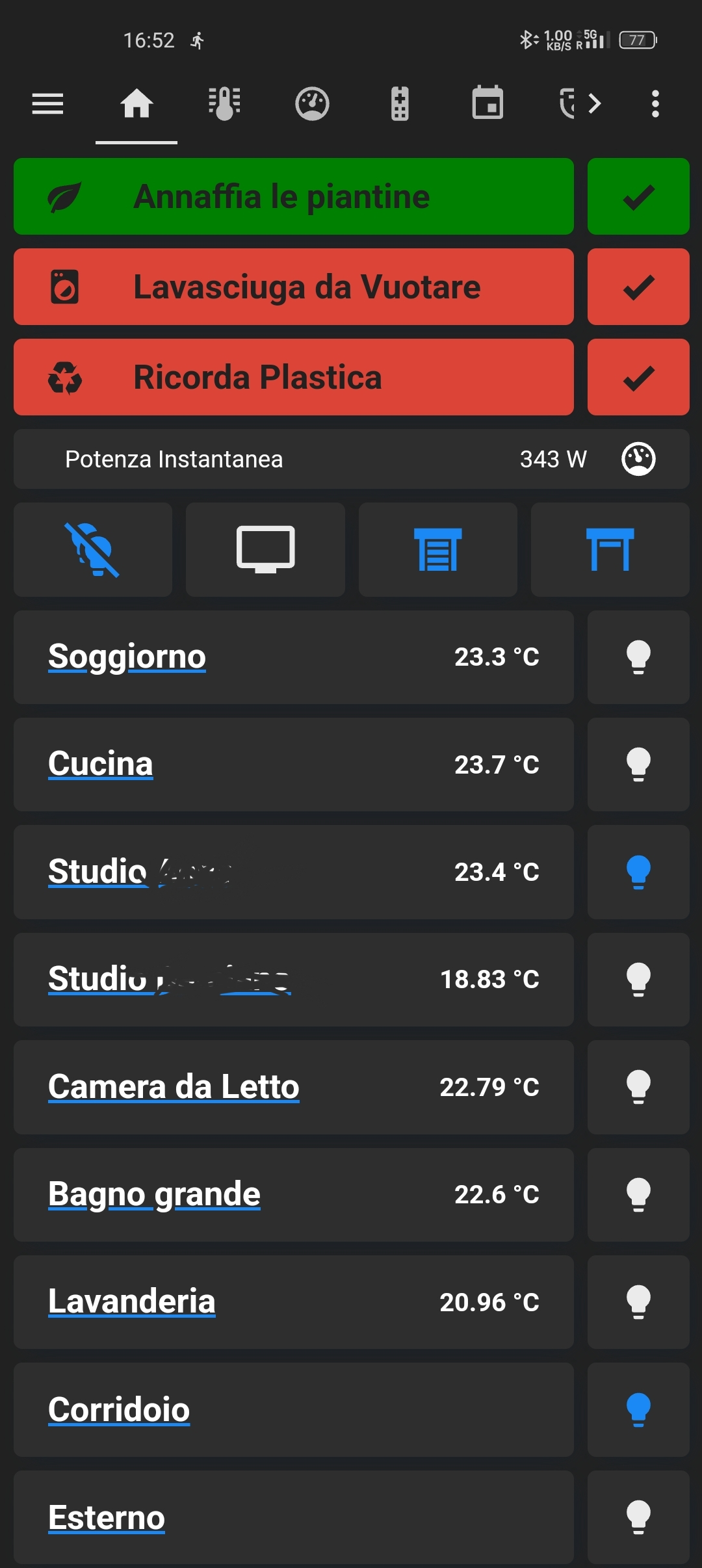
On top are reminders and common buttons, such as turn off all lights, open/close all shutters.
In the main body, each line is a room, the bulbs next to the room either turn off all lights in the room or turn them all on. If you press on the room name you can expand that room and control the devices inside:
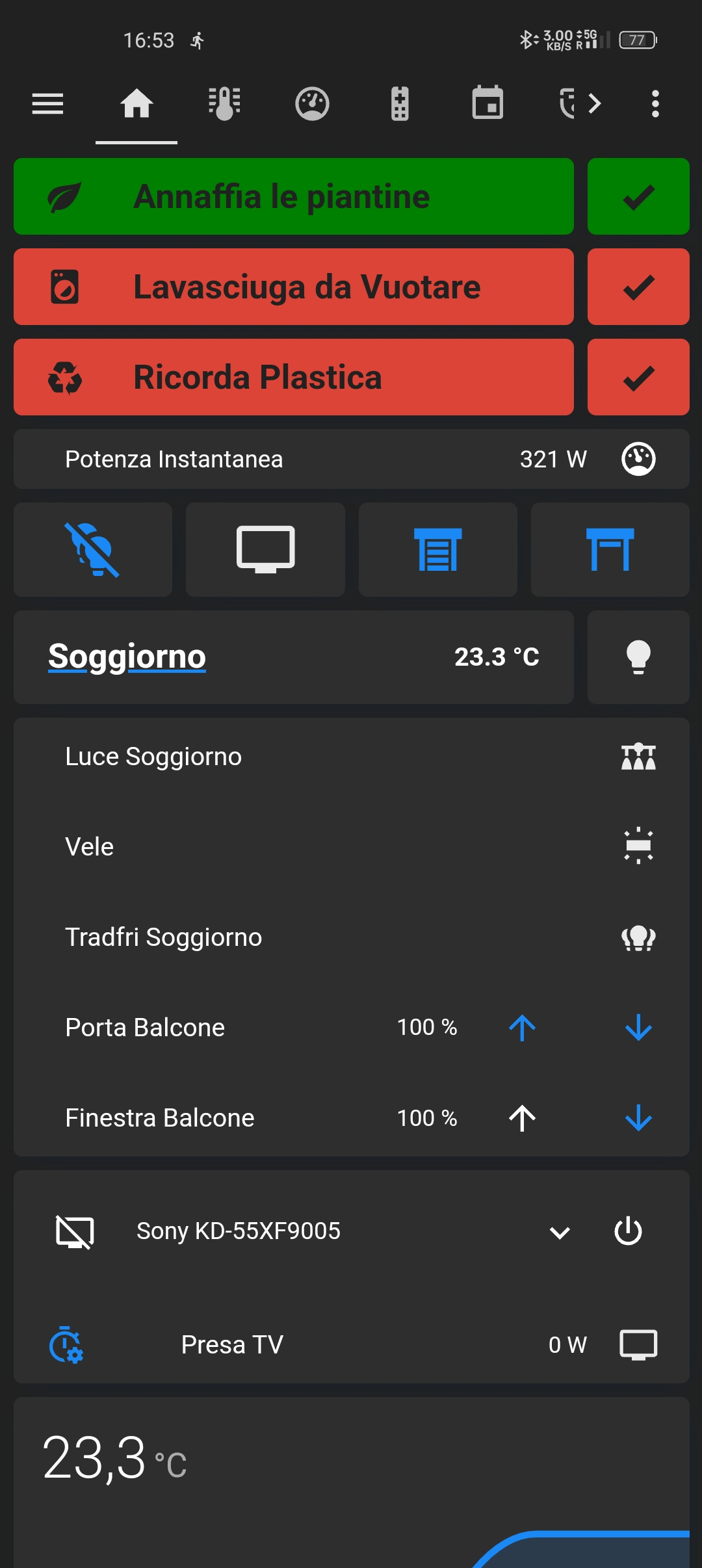
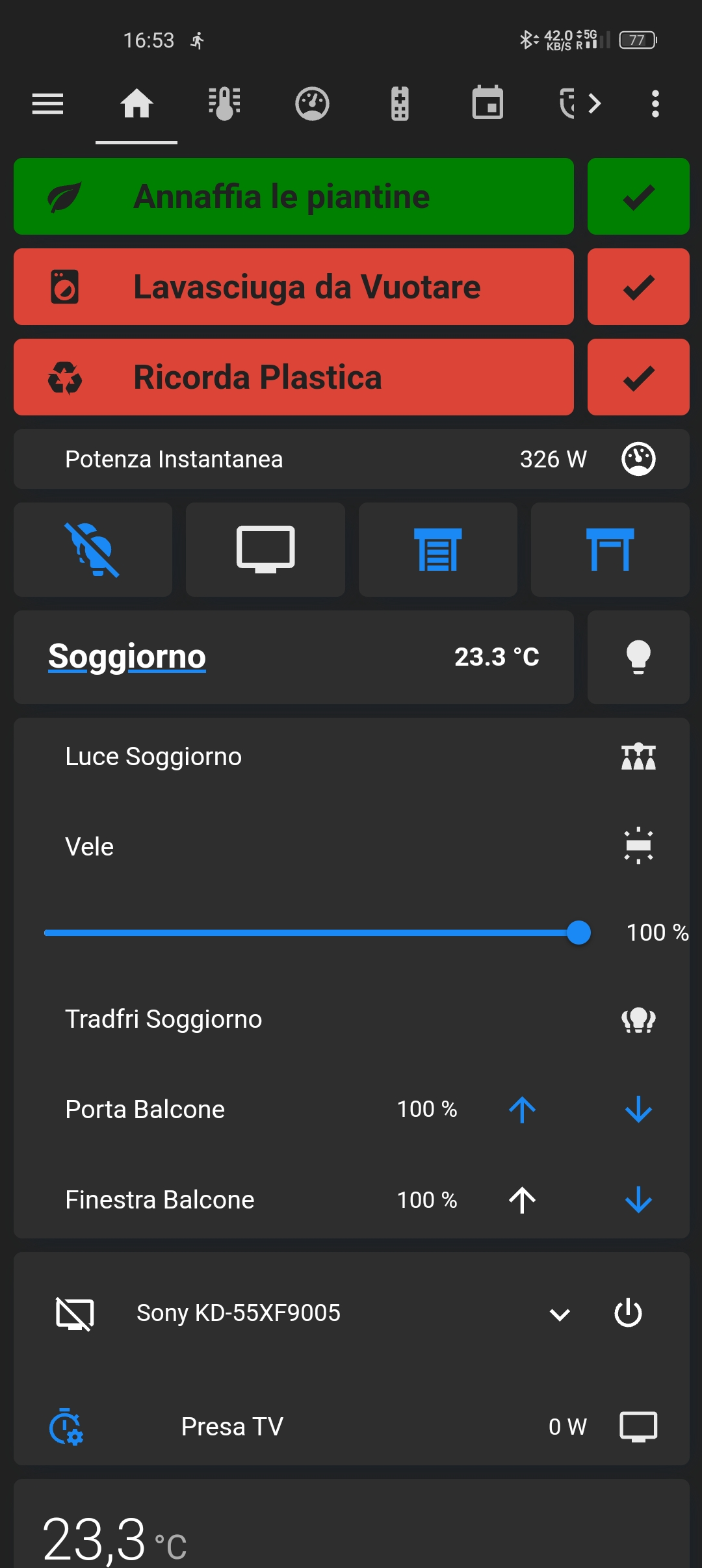
Some devices can be expanded as well:
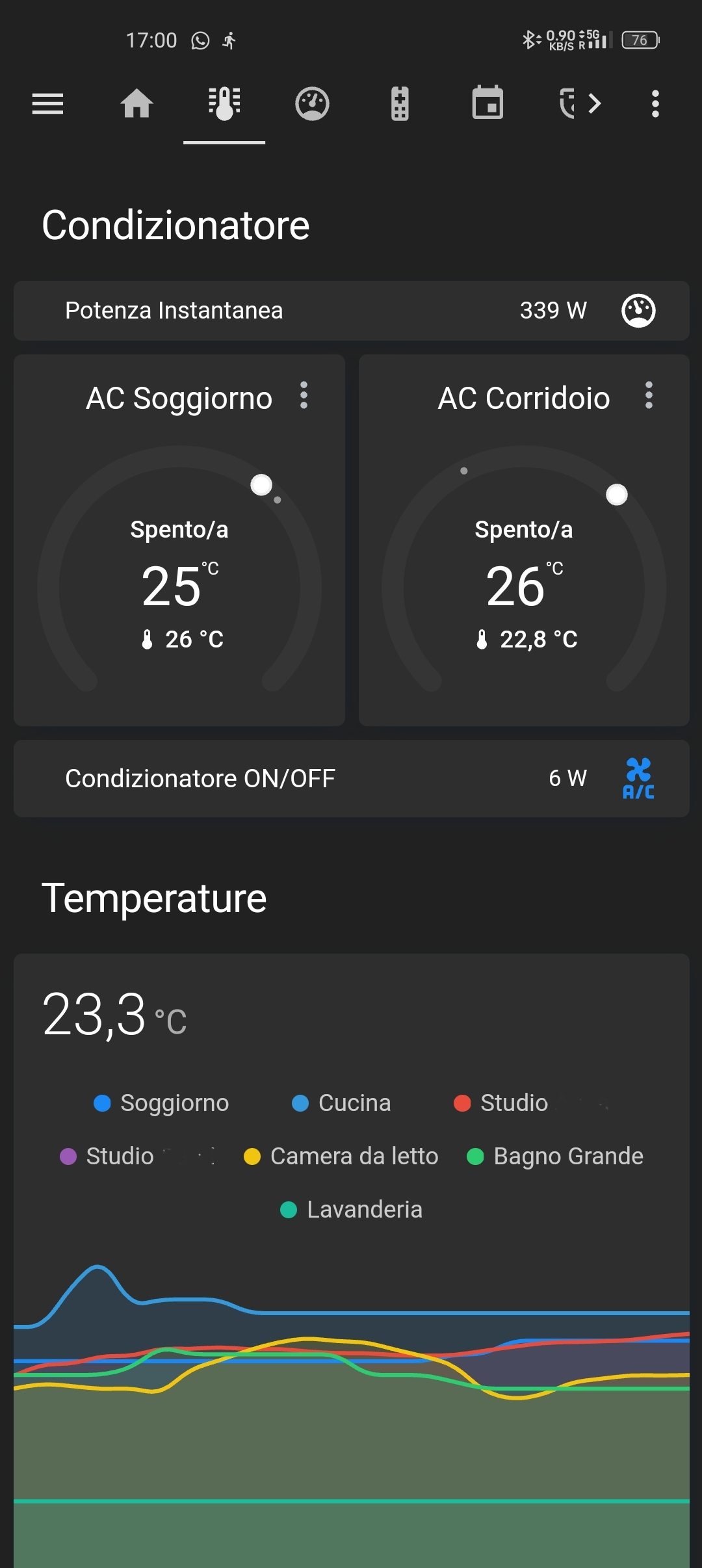
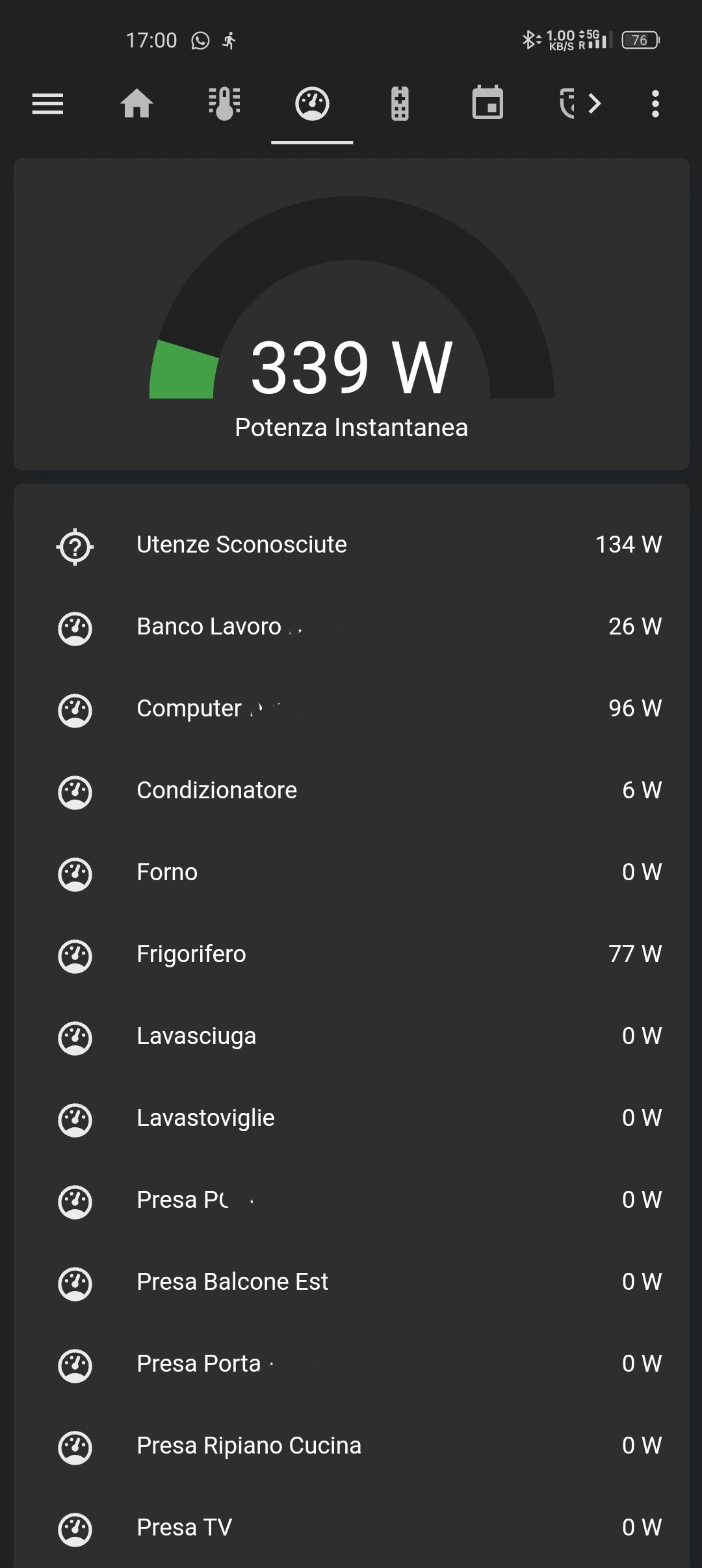
I also have pages for climate control and power management (the last one was created before HA implemented their own “Energy” page):
Recently I’ve started integrating my 3d printers in HA, but it’s still pretty rough. Super cool to have them light up when I walk in the room tho.